
Which AI Tools and Models Should You Use?

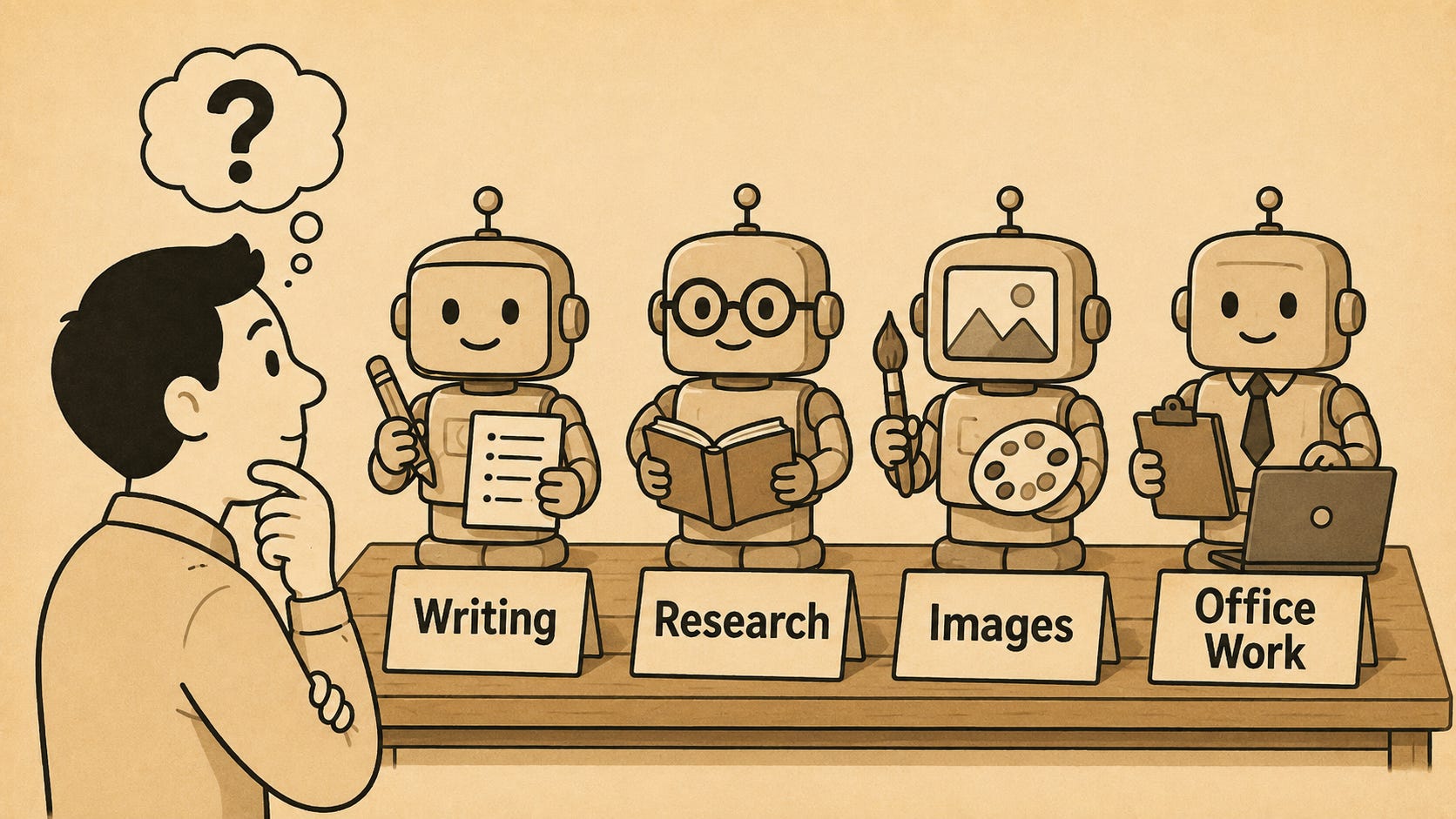
The question I probably get asked more than almost any other is some version of “what’s the best AI tool for me to use?” People typically want a single answer and I understand why, but the honest answer is that there isn’t a single tool or model that’s best for all use cases (at least at the time of writing). Different tools and different models have different strengths and weaknesses, and learning about their capabilities is a key part of AI literacy. That’s true across the big tools (ChatGPT, Claude, Copilot and Gemini), and it’s also true within them, because most tools give you a choice of models.
When you get familiar with the capabilities, the simple rule of thumb I suggest is to match the tool to the job, and if you’re not sure which level model to use, start with a lower one and move up only if it doesn’t give you what you need.
Match the tool to the job
Over time you’ll build a feel for which tool suits which kind of work, and you’ll get there either by trial and error or advice from others. I’ve landed on my own preferences through a lot of trial and error with the tools, but I can afford to prioritise testing the tools because it’s a key requirement of my job. Currently I use Claude when I’m writing or thinking something through, ChatGPT or Gemini when I’m doing research or generating images, and Copilot is great for looking across the Microsoft ecosystem. Those are my preferences today, but new models are coming out more frequently than ever, and the capability of the tools is regularly increasing. For most people it’s not practical to keep switching to the new ‘best’ tool, and it only makes sense to switch if there’s a significant shift in capability. What you should do is explore the capabilities of the tool you have access to, and you’ll discover where there are use cases requiring access to another tool. The skill is understanding which tools work best for you in which circumstances, and the value comes from learning how to use a tool which is at least ‘good enough’ well rather than consistently switching to the latest ‘best’ tool.
Start light, and only move up if you need to
The second half of my rule of thumb is about which model to use within a tool. Most tools now offer a range from quick response models through to slower, more capable thinking models. I suggest avoiding the temptation to always select the most powerful option because it’s often unnecessary and inefficient to do so.
In practice the faster, lighter models are good enough for a surprising amount of everyday work, and they give you the answer in a fraction of the time. My advice is to test tasks on a lighter model first, and if it does the job to a sufficiently high quality, you have no need to move up. If the output falls short, that’s your signal to try a more powerful model. Do this for a while and you’ll quickly learn which kinds of task really need the more powerful models and which don’t, and that judgement is becoming an increasingly valuable skill.
There’s a practical reason to get this right that goes beyond speed. The more capable models don’t just take longer, they also eat into your usage more quickly, and most tools are now either putting limits on how much you can use in a given window, or in some cases they’re starting to charge on a usage basis. Using your most capable models on a job a lighter model could have handled is a waste of that allowance or money, so learning which model to use is about being efficient with your usage, and knowing that the greater capability is there when you truly need it.
The value in using more than one tool
When you’ve been using AI for a significant period of time, you’ll probably discover that you want access to more than one tool. It happens because different tools simply suit different jobs, and it can also be valuable to use more than one tool so that you can cross-check and compare responses. You wouldn’t want to do that for every task, but for some tasks it can be very valuable. For a piece of research, you can run the same question across several tools, say Gemini, ChatGPT, Claude and Perplexity, then collate the answers and look at where they agree and where they differ. The points they agree on are the ones you can be most confident in, and the places they diverge are where you should dig deeper and spend more time checking. Copilot even has this built in now with their Critique and Model Council options which run queries on both GPT and Claude, and using multiple models is one of the better defences I know against hallucinations.
The same logic scales up to organisations, and it’s worth saying plainly: Not everyone needs the same set of tools. You should start with a tool that everybody knows how to use, but some people will need access to additional tools for different use cases.
The tools will keep changing faster than most people can keep up, and the specific references I’ve made here will date, but developing a habit of matching the tool to the job, starting on a lower capability model, and building your judgement to determine if you need a more capable model, is a skillset that will still serve you long after today’s models have been replaced. That skill will separate people who use AI well from those who just use it.